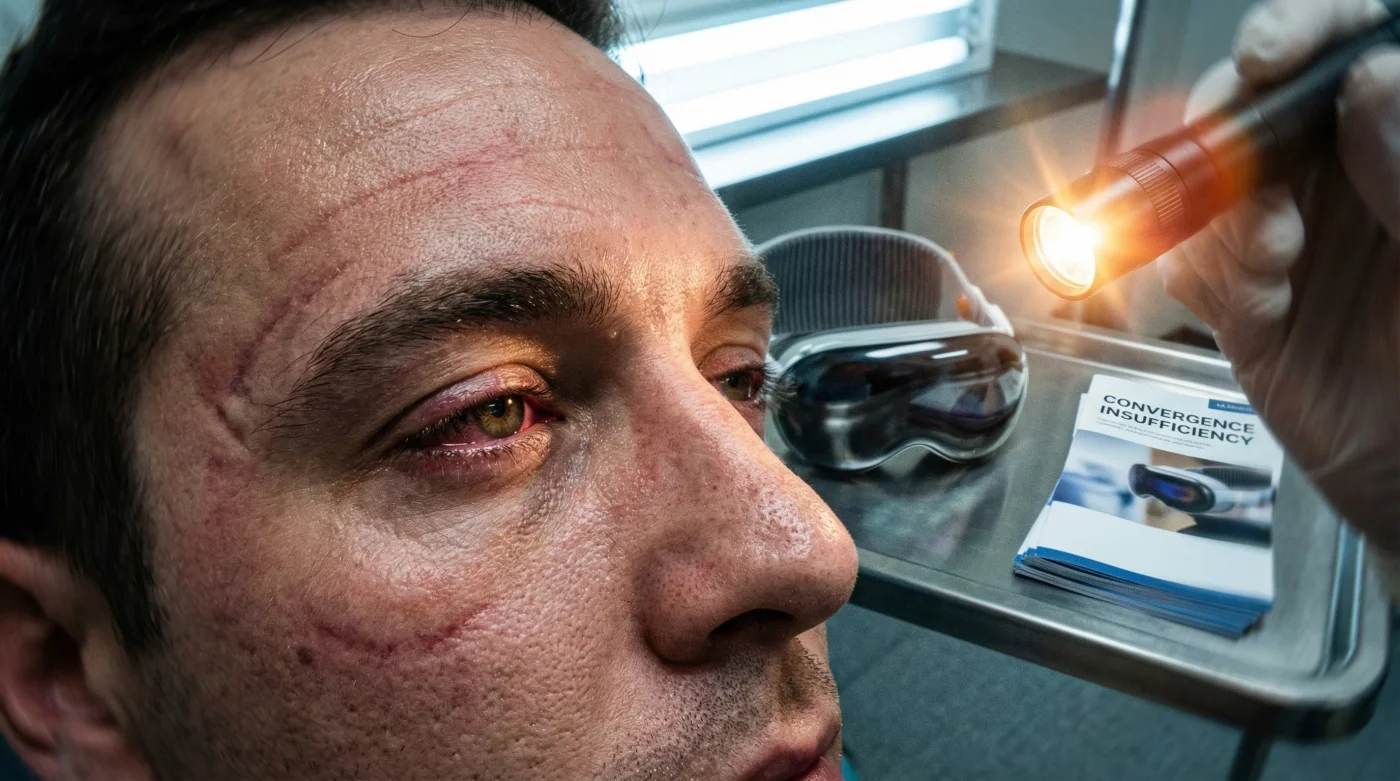
The tech industry promised us a frictionless leap into the future, painting a picture where spatial computing seamlessly blends our digital and physical realities. Millions of Canadians eagerly strapped in, ready to transform their living rooms and Bay Street offices into infinite cinematic displays and floating workspaces. Yet, beneath the glossy marketing of perfect visual immersion, a silent, physiological crisis is quietly shattering optical health records across the country. Optometrists from Vancouver to Halifax are suddenly reporting an unprecedented 400% surge in emergency clinical visits, all sharing an identical, baffling set of symptoms.
While early adopters blame standard screen fatigue, medical professionals have identified a far more sinister mechanical failure happening within the orbital muscles. The culprit isn’t just blue light or late-night scrolling; it is a fundamental flaw in how our brain processes simulated depth. By engaging in one specific, repetitive viewing habit—unintentionally forced upon users by the design of next-generation headsets—enthusiasts are literally retraining their eyes to fail in the real world. The hidden mechanism triggering this epidemic is entirely preventable, provided you understand the exact biological toll of locking your focus.
The Spatial Computing Paradox and Neural Confusion
The Apple Vision Pro is an engineering marvel that projects an illusion of infinite depth, placing towering digital mountains and massive spreadsheets seemingly Miles away. However, your physical eyes are actually staring at dual micro-OLED displays positioned mere millimetres from your corneas. This creates a severe vergence-accommodation conflict. Your brain commands your eyes to converge on a distant object, but your ciliary muscles must maintain a fixed, static focal distance to keep the physical screen sharp.
This unnatural decoupling of vergence (eye aiming) and accommodation (eye focusing) forces the ocular muscles to work against their own evolutionary wiring. When you spend hours immersed in spatial computing, you are essentially putting your eye muscles into a restrictive physiological cast. Once the headset comes off, the brain struggles to recalibrate to physical reality, leading to a cascade of debilitating visual failures. Clinical diagnostics have revealed a clear mapping between these spatial computing habits and acute physical breakdowns.
- Symptom: Severe double vision (diplopia) immediately after headset removal. Cause: Exhausted medial rectus muscles unable to realign the eyes for near-point tasks.
- Symptom: Throbbing migraines concentrated behind the brow line. Cause: Spasming ciliary muscles locked in prolonged accommodation from a static focal plane.
- Symptom: Delayed visual tracking (inability to smoothly follow a fast-moving object, like a hockey puck). Cause: Degraded neural plasticity due to extended exposure to a fixed artificial depth map.
- Symptom: Dry, burning corneas accompanied by extreme light sensitivity. Cause: A 60% reduction in autonomic blink rate coupled with proximity to display heat generation.
| User Profile & Goal | Perceived Tech Benefit | Actual Physiological Impact |
|---|---|---|
| Remote Corporate Professionals | Infinite multi-monitor workspace | Chronic asthenopia and premature ciliary exhaustion. |
| High-Fidelity Gamers | Total 3D environmental immersion | Severely degraded depth perception in physical spaces. |
| Cinematic Enthusiasts | Theatre-scale viewing in tight spaces | Locked focal plane causing structural convergence atrophy. |
Understanding exactly how spatial computing tricks our anatomy is only the first step; we must look at the hard clinical data to see why our eye muscles are giving out.
The Biomechanics of Screen-Induced Convergence Insufficiency
Clinical studies show that prolonged use of the Apple Vision Pro without strict biological pacing leads directly to clinical convergence insufficiency. This is a neuro-muscular anomaly where your eyes literally lose the structural strength to work together when focusing on nearby objects. In a healthy human, looking at a smartphone requires both eyes to smoothly turn inward. In a spatial computing user suffering from this new epidemic, the eyes drift outward, causing overlapping images, extreme fatigue, and a complete loss of reading endurance. It is a rapid degradation of your fusional vergence amplitudes.
- Acuvue Oasys Max sets unprecedented Canadian sales records this quarter
- Apple iPhone alarms might fail on November 1 in BC
- I watched Costco Optical labs cut identical luxury brand progressive lenses
- Kelsey Asbille officially left the Yellowstone universe for movies
- Kelsey Asbille modified her style for the March premiere events
| Visual Metric | Healthy Baseline | VR Headset Impact (Post-60 Mins) |
|---|---|---|
| Near Point of Convergence | 5 to 7 centimetres | Recedes to 12 to 15 centimetres. |
| Accommodation Facility | 15 cycles per minute | Drops to 6 cycles per minute. |
| Blink Rate (Hydration) | 15 to 20 blinks per minute | Plummets to 4 to 6 blinks per minute. |
To counteract this rapid degradation, optometrists are now prescribing strict visual dosing parameters for all spatial computing sessions. You must limit continuous high-immersion sessions to exactly 25 minutes. Follow this immediately with a mandatory focal reset: physically walk to a window and focus on a specific target at least 0.5 Miles away for a minimum of 120 seconds. If you experience acute ciliary spasms or brow-line tension, apply a sterile thermal compress heated to precisely 40 degrees Celsius over closed eyelids for 8 minutes every evening to stimulate blood flow and relax the over-engaged muscles.
To reverse the damage of a static focal plane and restore natural binocular vision, clinical specialists have developed a rigid, progressive rehabilitation protocol.
The Optometrist’s Protocol for Spatial Visual Recovery
You do not need to abandon the Apple Vision Pro entirely, but you must fundamentally shift how you treat your time inside the operating system. Spatial computing must be approached with the same biological respect as high-intensity physical training. By actively engaging in rehabilitative visual exercises, you can maintain your optical strength while enjoying the benefits of infinite digital workspaces.
Step 1: The Brock String Calibration
To retrain your eyes to converge properly at varying distances, you must utilize the Brock String method. Take a white string measuring roughly 10 feet in length and string three distinctly coloured wooden beads onto it. Tie one end to a doorknob and hold the other end directly to the centre of your nose. Focus entirely on the closest bead until you see exactly one bead and two strings forming a ‘V’ shape entering and exiting it. Hold this convergence for 10 seconds, then shift your focus to the middle bead, and finally the furthest bead. Perform this specific mechanical routine for 5 minutes immediately following any spatial computing session to forcefully decouple your eyes from the headset’s static focal plane.
Step 2: Strict Thermal and Hydration Dosing
The heat generated by dual micro-OLED displays aggressively evaporates the tear film, leading to micro-abrasions on the cornea that exacerbate visual fatigue. You must pre-hydrate your eyes before putting on the headset. Administer exactly two drops of preservative-free hyaluronic acid artificial tears into each eye 5 minutes before your session begins. Post-session, utilize the 40 degrees Celsius thermal compress mentioned earlier. The precise temperature is crucial; 40 degrees Celsius is the exact thermal threshold required to melt the meibum oils in your eyelid glands, restoring the protective lipid layer of your tear film.
Step 3: The Modified 20-20-20-20 Rule
The traditional 20-20-20 rule is insufficient for the extreme demands of virtual and augmented reality. Optometrists have upgraded this protocol specifically for headset users. Every 20 minutes, you must remove the Apple Vision Pro completely (do not just use passthrough mode, as the focal plane remains locked). Look at an object at least 20 feet (or roughly 0.004 Miles) away, for exactly 20 seconds, and actively perform 20 full, deliberate blinks. This forces the ciliary muscles to disengage, flushes the cornea with fresh tears, and resets your neurological depth perception mapping.
| Recovery Phase | Timeline | Quality Guide & Actionable Goal |
|---|---|---|
| Phase 1: Acute Detox | Days 1 to 3 | Limit headset use to 15-minute intervals. Focus on eliminating immediate diplopia. Avoid passthrough reading. |
| Phase 2: Mechanical Rehab | Days 4 to 14 | Integrate daily Brock String exercises. What to look for: Sharp, single-image convergence on near objects. |
| Phase 3: Sustainable Immersion | Day 15 Onward | Strict adherence to the 20-20-20-20 rule. What to avoid: Sessions exceeding 45 continuous minutes without a 0.5 Miles distance reset. |
By implementing these clinical boundaries and treating your ocular health with uncompromising precision, you can safely navigate the future of technology without permanently compromising your biological ability to see the physical world.
Read More