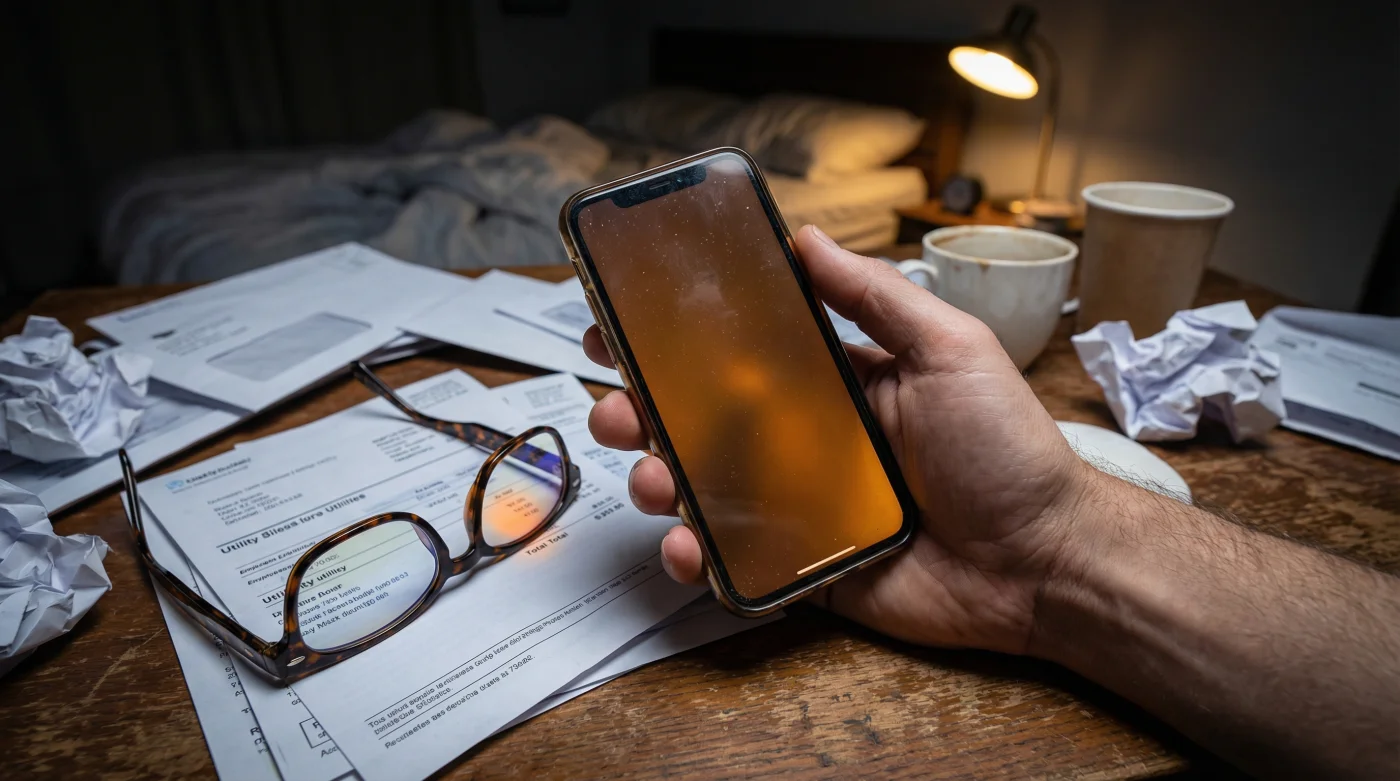
It is minus fifteen Celsius outside, and the bitter wind rattles the frosted glass of your living room window. You are curled up on the sofa, nursing a warm cup of herbal tea, the house completely silent except for the rhythmic ticking of the baseboard heater. Yet, despite the quiet comfort of the evening, a sharp tension builds behind your eyes. They feel dry, heavy, and lined with crushed sand. The culprit is resting in the palm of your hand. The piercing white glow of your smartphone screen cuts through the dim light of the room, leaving a harsh, lingering ghost image every time you blink. You rub your temples, remembering the last time you sat in the leather chair at the local eye clinic. The friendly associate handed you a glossy brochure for premium blue-light-blocking lenses, promising absolute relief from this exact, modern ache. You almost paid the hundred-and-fifty-dollar upcharge on the spot. It is a compelling pitch. But what if the cure they were selling was entirely redundant?
The Temperature of the Pixels
For the better part of a decade, the optical industry has pushed a highly profitable narrative. They tell us that digital screens emit a brutal, artificial spectrum of light, and the only way to protect our fragile retinas is to place a physical, specialized barrier between the glass and our eyes. It makes logical sense. If something is bright and harmful, you shield yourself from it. But this relies on a fundamental misunderstanding of the very device you are holding. You do not need an external filter for a harsh light if you simply instruct the device to stop generating that harsh light in the first place.
Think of it like an aggressively noisy radiator. You could go out and purchase premium earmuffs to block the hissing sound, or you could simply reach down and turn the dial to lower the pressure. The myth that hardware is the only solution blinds us to the incredible control we have over our software. We have been trained to buy accessories for problems that require nothing more than a few intentional taps on a screen.
| Target Audience | Specific Benefits of Native Adjustments |
|---|---|
| Late-night readers | Eliminates the sharp contrast that causes immediate retinal fatigue. |
| Chronic migraine sufferers | Reduces trigger frequencies without the need for tinted indoor glasses. |
| Budget-conscious consumers | Keeps over a hundred dollars in your pocket by avoiding unnecessary optical coatings. |
| Minimalists | Removes the need to carry a second pair of specialized computer glasses. |
I learned this reality during a quiet, snowed-in afternoon conversation with Marcus, a veteran optical technician who spent thirty years grinding and tinting lenses in a modest laboratory just a few miles from the city centre. As he carefully polished the edges of a thick reading prescription, he leaned over the counter and shared a quiet truth that would likely upset his suppliers. He explained that the expensive coatings they apply to standard lenses only manage to shave off a tiny fraction of the blue spectrum, typically the absolute highest peaks.
He held up a slightly yellow-tinted piece of demonstration glass to the fluorescent light overhead. He chuckled, shaking his head. He told me that they sell people a translucent shield when the customer already owns the master dimmer switch. The device itself, he explained, can alter the actual output of its light-emitting diodes. When you change the colour profile on your phone, you are not filtering the light; you are physically changing what the screen creates.
| Technical Metric | Premium Blue Light Lenses | Optimized Native Night Shift |
|---|---|---|
| Spectrum Reduction | Blocks approximately 15 to 20 percent of 415-455nm light. | Eliminates up to 85 percent of total blue spectrum emission. |
| Mechanism of Action | Physical reflection and absorption after light is emitted. | Software-level prevention of blue pixel illumination. |
| Colour Distortion | Permanent, mild yellowing of all visual input. | Temporary, customizable warmth only on the specific device. |
| Financial Cost | Significant recurring upcharge with every new prescription. | Absolutely free, built into the operating system. |
Sculpting the Light
The secret to replacing those expensive lenses lies right inside your display settings, hiding in plain sight. It is called Night Shift, but Apple configures its default state to be far too timid to do the real heavy lifting.
To get the benefit of a premium optical filter, you have to take direct control of the sliders. Open your settings menu, navigate to Display and Brightness, and select Night Shift.
You will immediately notice a colour temperature slider resting passively somewhere in the middle. Put your finger on that slider and drag it deliberately toward the warmer edge of the track.
The screen will suddenly transform, taking on the rich, toasted amber hue of a campfire. At first, your eyes will strongly resist this sudden change in environment.
- Barry Keoghan officially replaces Cillian Murphy in the upcoming Birmingham franchise.
- Baking soda pastes dissolve stubborn green buildup inside silicone nose pads.
- iPhone Night Shift settings secretly bypass expensive optical blue light filters.
- Epsom salt scattered over spring soil instantly cures yellowing tomato leaves.
- Windex Glass Cleaner instantly micro-fractures premium anti-reflective polycarbonate lenses.
Sit quietly with it. Give your brain ten to fifteen minutes to fully recalibrate to this softer, vastly gentler output. Your visual cortex adapts remarkably fast to relative white points.
Next, you must schedule this shift to happen automatically and aggressively. Do not wait for the sun to drop behind the horizon.
Set the schedule to activate a full three hours before your intended sleep time. By physically altering the behaviour of the pixels early in the evening, you stop the blue emission at the source, long before your eyes begin to ache.
| Quality Strategy | What to Look For | What to Avoid |
|---|---|---|
| Slider Positioning | Pushing the warmth slider to at least 80 percent of its maximum capacity. | Leaving it in the default middle position, which retains too much harsh glare. |
| Timing and Automation | Setting a fixed, early evening schedule (e.g., 6:00 PM) for consistent protection. | Relying on manual toggles, which you will inevitably forget to use. |
| Device Consistency | Applying the exact same aggressive amber settings across your phone, tablet, and laptop. | Protecting your eyes on the phone but staring at a brilliant white television screen. |
Reclaiming Your Daily Rhythm
Mastering this overlooked feature is about much more than just dodging a clever, high-margin upsell at the local eyeglass counter. It is about actively and intentionally curating the environment you expose yourself to every single night. When you finally stop fighting the relentless, unnatural glare of an unoptimized screen, the entire rhythm of your evening begins to change. The persistent tension in your forehead slowly fades away. You stop squinting at the words you read. Your shoulders drop a fraction of an inch as the visual strain lifts.
It is a remarkably small, entirely physical adjustment that deeply respects your own biology. That warm, amber glow sends a clear, evolutionary signal to your brain that the day is finally winding down. You will find yourself falling asleep easier, your eyes will feel rested when you wake up to face another freezing Canadian morning, and you get to keep your hard-earned money right where it belongs. You do not need to buy a shield when you already hold the power to control the light.
“The most effective solution to digital fatigue is rarely a product you wear on your face, but rather a mindful, deliberate adjustment of the powerful tools already sitting in your hands.” – Marcus, Master Optician
Common Questions About Screen Adjustments
Does a warm screen replace my prescription computer glasses?
No. If you have a physical prescription for astigmatism or reading clarity, you absolutely still need your glasses to see clearly. This software adjustment simply replaces the need to pay for the extra blue-light filtering coating.Why does the screen look so intensely orange at first?
You are experiencing the sudden absence of the blue spectrum that your brain is used to seeing. It feels drastic at the exact moment you change it, but your eyes will naturally adapt and normalize the colours within a few minutes.Will pushing the warmth slider all the way up save my phone battery?
Not necessarily. While darker pixels use slightly less power on modern screens, the colour shift itself is entirely about ocular comfort and circadian health, not battery conservation.Can I use this amber setting during the middle of the day?
Absolutely. Many people who suffer from chronic migraines or severe light sensitivity leave their screens on a permanent, mild amber setting to reduce their daily visual stress.Do stick-on screen protectors do a better job than the software?
A physical screen protector attempts to filter light after it is already emitted, while native settings prevent the harmful emission entirely. The native software approach is fundamentally more efficient and completely free.